
What it is
Overview
A writing clarity tool that highlights wordy sentences, passive voice, and complex phrasing to make text more readable. Hemingway Editor assigns readability grade levels and flags sentences that might confuse readers. Despite being categorized with AI grammar checkers, this is a non-AI tool using traditional text analysis algorithms. Content writers and bloggers make up the core audience, drawn to the simple copy-paste interface that requires no signup for basic use.
At a glance
Usability & Quality overview
Best for
- short-form editing
- readability cleanup
- marketing copy
Watch out for
- rigid rules on fiction or distinctive voice
- limited fit for long manuscripts
- paid desktop app and AI features are separate tiers
Build typeIndependent product
Hemingway Editor offers specialized readability scoring and grade-level analysis that general AI tools don't provide, but it's essentially a focused interface for text analysis rather than a comprehensive writing solution with deep integrations or proprietary technology.
Moderate evidenceQuality score
Hemingway Editor A focused writing assistant for clearer, more concise prose, but rigid for longer creative work.
This score is our editorial judgment, computed automatically from the sources, weights, and dates shown above. It reflects the data we could verify as of July 29, 2026, not a guarantee or statement of fact about Hemingway Editor. Third-party ratings and quotes belong to their original platforms and authors. Thin data lowers our confidence label, and we say so instead of guessing. Work on Hemingway Editor? Dispute any datapoint and we will review it, publish your response, and correct verified errors.
Plans
Pricing
How free is free?
Trial only
2-week free trial; AI features require $100-150/year
What you get for free
- 2-week free trial of Hemingway Editor Plus AI features
Behind the paywall
- AI sentence rewriting and suggestionsIndividual 5K ($100/year)
- 5,000+ AI sentences per monthIndividual 5K ($100/year)
- Team management and admin rolesTeam 10K ($150/year)
Community feedback
Aggregated reviews
Ratings and quoted comments below are aggregated from third-party sources and reflect those users' views, not SearchTools.ai's.
What reviewers talk about
themes inside the Sentiment pillar — not score ingredients
57Output Quality23 mentions
“If you want to save time while editing, use Hemingwayapp.com I know some writers find it "too simple," but it saves me time...Here I thought (see image) I'd written a fine LinkedIn post, but the app identified two sentences that were hard to read. Now I could've gone "old school" and read it out loud or even printed it out (really old school) and read it out loud. I would have simplified those sentences, but it would have cost me time. Have you used it? Has it saved you time? Screen cap of Hemin”
“You pay for the real tool and then click 'simplify', the tool takes estimated points and then comes back with no suggestions even after repeated refresh. After a while it has stopped working altogether and now i have to 'pay' for each paragraph. So instead of 120 points which it estimated to 'simplify' my document, i've paid 550 points and its taken ten times longer. the simplify document now just doesnt work and wants me to use up way more points and cost me more of my time. defeating the purpo”
“Ça a été une perte de temps. De ce que j'ai essayé, ça colore des phrases ou des mots en fonction du problème, mais ne pro…se aucune solution, enfin.... des solutions potables. Les propositions ne correspondent pas au sens de la phrase. Je pense que c'est probablement différent avec l'anglais, langue d'origine de l'application.”
“Very good for improving / polishing text — Great! It’s one of my top copywriting tools for copy and content writing for marketing, emails, and patient education. — This is a free (paid plans with additional features you can try with a free trial) online tool that allows you to identify what grade level your written copy reads at and what wording is suggested to be changed to improve clarity and understanding. — When it highlights a sentence is hard to read, if you don’t have the paid program, i”
60Value & Pricing11 mentions
“Very good for improving / polishing text — Great! It’s one of my top copywriting tools for copy and content writing for marketing, emails, and patient education. — This is a free (paid plans with additional features you can try with a free trial) online tool that allows you to identify what grade level your written copy reads at and what wording is suggested to be changed to improve clarity and understanding. — When it highlights a sentence is hard to read, if you don’t have the paid program, i”
“You pay for the real tool and then click 'simplify', the tool takes estimated points and then comes back with no suggestions even after repeated refresh. After a while it has stopped working altogether and now i have to 'pay' for each paragraph. So instead of 120 points which it estimated to 'simplify' my document, i've paid 550 points and its taken ten times longer. the simplify document now just doesnt work and wants me to use up way more points and cost me more of my time. defeating the purpo”
“I have sent two emails and a tweet asking to cancel my subscription and no reply, the money just keeps coming out of my account. So frustrating.”
“Do not buy their desktop app "Hemingway Editor 3". It does not work at all and they never reply to your emails, the only thing that happens is you lose your money for nothing.”
69Ease of Use12 mentions
“Sufficient for first draft or conversational communication — I’ve used it for around a week and it’s brilliant. Everything I need to improve AI generated content. — Very good for improving / polishing AI generated content. Just paste it in, read through Hemingways recommendations and accept or decline as you see fit. Checks all grammar, spelling, tone and can make text easier to read. Good price as well! — Maybe a Google docs addon / plugin would be cool. Everything else is pretty good though.”
“Sharing this gem with all my friends! — Quick draft, merely for fast communication that doesn't need sophisticated writing. For example, email communications between colleagues to get the work done (without wasting time on prose especially in multi-national companies). — Like the title, it's good for quick communication. Just fast checking glaring errors in your document and you are ready to go. One can write and edit directly on the apps, and for my case, I just use Copy and Paste into the me”
“Hemingway will make your life easier. — One of the best tools to proofread an article or assignment. Just keep in mind that you will get better results if you pair it with Grammarly-like tools. — You open the page, paste upir content directly into the editor, and voila! No signup is required and no payment is required. It helps you to write simpler, and prevents you from having too many long/complex phrases. — It could have grammar and spelling checking but maybe it's too much to expect from a ”
“Write Concise Articles at Any Grade Level — I copy and paste articles into Hemingway every day as the final stage of editing. It works well with the Grammarly Chrome extension. — The Hemingway Editor is a simple-to-use and learn piece of software that aids you in your daily tasks, whether you're composing an email or something else. Hemingway is a sure-fire approach to ensure that your content is free of errors. — Regardless of how great the software is, some competitors have an advantage. To co”
74Trust derived from dimensions + predator detectionview math
A composite of the quality dimensions weighted by mention volume, then capped by predator / abuse-detection rules.
Reasoning
Watch & learn
Video content
YouTube YOUTUBE5.6K views
Best AI Grammar Checkers for Clearer Writing in 2026
ai-agents2 months ago
 YOUTUBE5 views
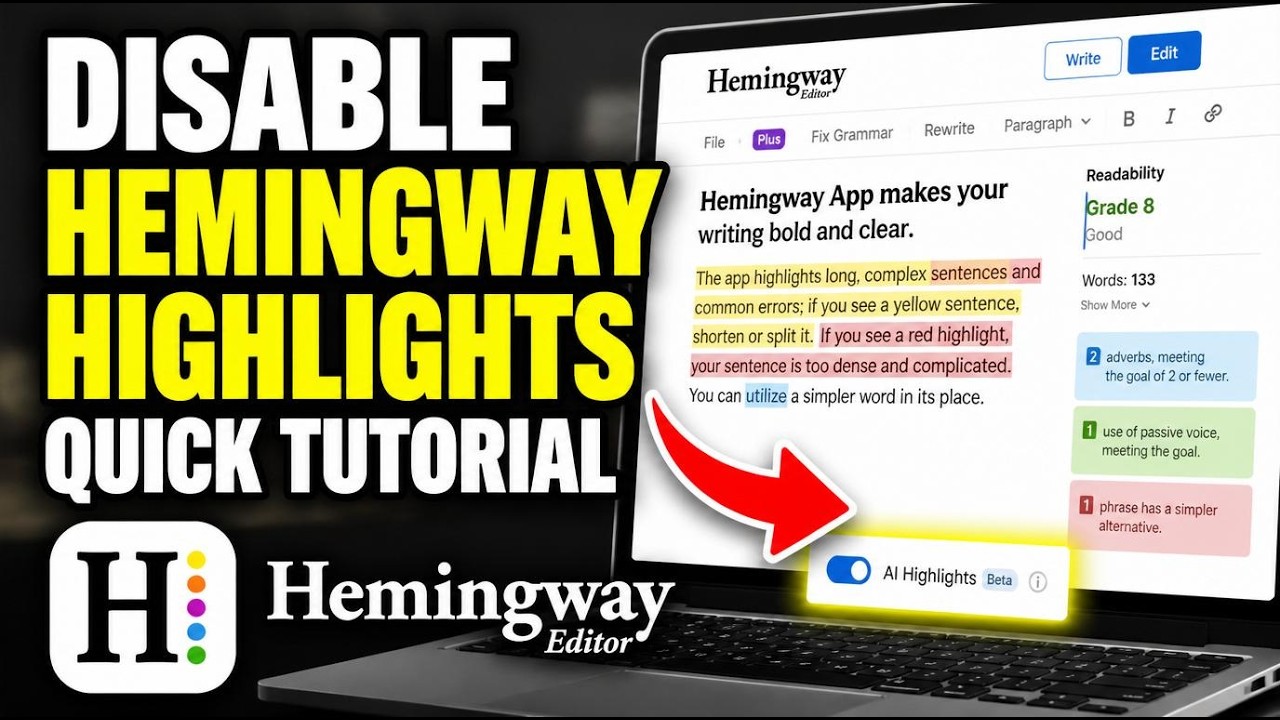
How to disable Hemingway Editor AI highlights - Quick Tutorial
GuideSpherePro3 months ago
 YOUTUBE2 views
How to connect Hemingway Editor with Zapier for AI readability improvements - Beginner Guide
FlowManual2 months ago
Capabilities
Key features
Grammar Checker
Detects and corrects grammar, spelling, and punctuation errors in your writing
Rewriter
Rephrases and rewrites text to change tone, clarity, or style while keeping meaning
Writing Assistants
Helps you draft, edit, and polish written content across many formats
The honest take
What users love & flag
Distinct themes surfaced across 13 reviews from 1 source — each grounded in real review text, ranked by how often it comes up.
Questions
Frequently asked
What is Hemingway Editor?
Hemingway Editor is an AI-powered writing tool that transforms unclear, wordy writing into crisp, readable content while preserving your authentic voice. It focuses specifically on improving readability and clarity by fixing grammar issues, rewriting complex sentences, and eliminating passive voice constructions.
Is Hemingway Editor free?
Hemingway Editor offers a free 2-week trial of its AI features. After the trial, paid plans start at $8.33 per month (billed annually) for the Individual 5K plan with 5,000 AI sentence rewrites monthly, or $12.50 monthly for plans with 10,000 rewrites.
How does Hemingway Editor preserve my writing voice?
Unlike generic AI writing tools, Hemingway Editor Plus is specifically designed to maintain your original tone and word choice when making improvements. The AI rewrite feature transforms sentences for clarity while ensuring the rewritten content sounds natural rather than robotic, keeping your authentic writing style intact.
What writing styles can Hemingway Editor apply to my content?
Hemingway Editor offers eight different writing styles that can adjust your content's tone. These styles can make your writing more confident, formal, friendly, casual, or persuasive, allowing you to tailor your content for different audiences and purposes.
What's the difference between the Individual and Team plans?
Individual plans are for single users and come in 5K ($8.33/month) or 10K ($12.50/month) AI sentence rewrite tiers. The Team 10K plan costs the same per user ($12.50/month) but includes team management features, role-based admin controls, and priority support for managing multiple team members.
What grammar issues can Hemingway Editor fix beyond basic spellcheck?
Hemingway Editor's advanced grammar tool identifies and corrects complex grammatical errors including proper use of contractions, possessives, and verb tenses. It goes significantly beyond basic spellcheckers to address sophisticated grammar issues that affect readability and professionalism.
Does Hemingway Editor provide feedback on overall document quality?
Yes, Hemingway Editor includes a document review feature that provides detailed feedback and suggestions about your overall writing quality. This comprehensive analysis helps you understand broader patterns in your writing beyond individual sentence-level corrections.
How does Hemingway Editor handle my data privacy?
Hemingway Editor explicitly states that it will never sell user data or use it for AI training or advertising purposes. The platform emphasizes privacy protection as a key differentiator from other writing tools that may monetize user content.
Compare Hemingway Editor
Compare with another toolMore Like This
